

Chapter Outline
Using TypeScript with Popular Frameworks: React, Vue, and Angular
TypeScript, a superset of JavaScript, offers static typing, classes, and interface features. When used with popular frameworks like React, Vue, and Angular, it enhances the development experience with better tooling, improved maintainability, and easier code management. This article explores how to integrate TypeScript with these three major frameworks, providing examples and setup instructions for each.
TypeScript with React
React's component-based architecture works seamlessly with TypeScript, offering a robust setup for building user interfaces.
Setup and Installation
Create a new React application with TypeScript:
bashnpx create-react-app my-react-app --template typescript
This command sets up a new React project named my-react-app with TypeScript configured.
Launch the Application
bashcd typescript-react-appnpm run buildnpm start
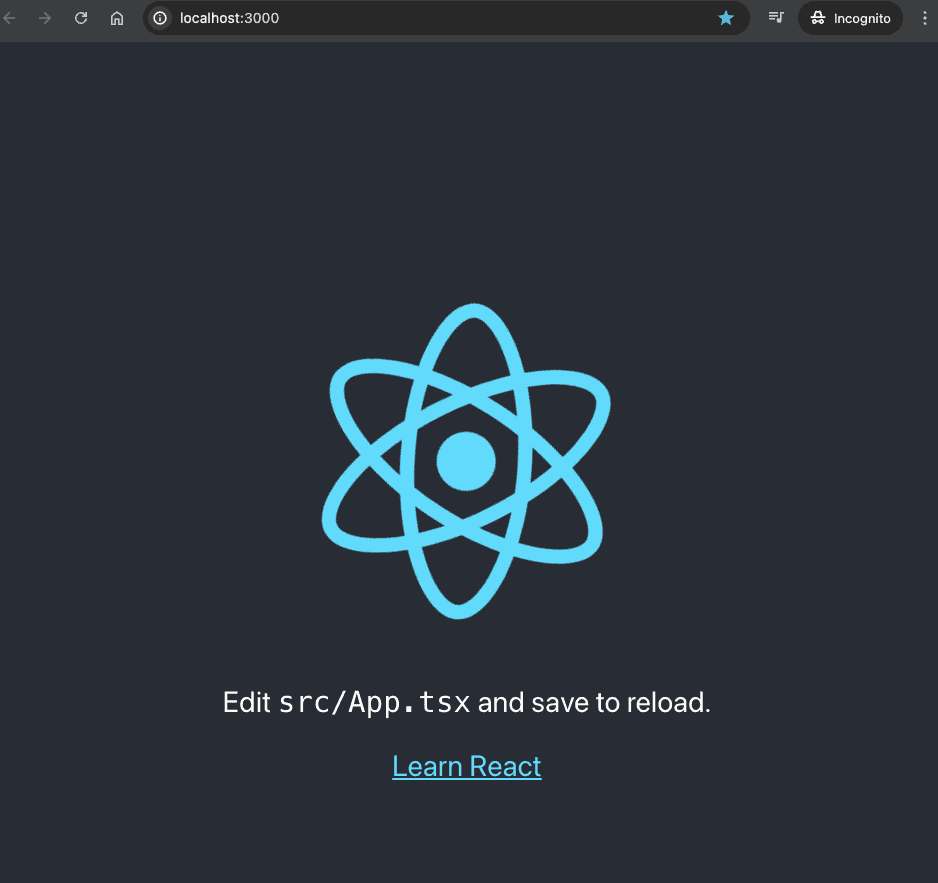
This will automatically open up your default web browser to http://localhost:3000/ and display the following:
Example: A Simple Component
Create a functional component Greeting.tsx that accepts props:
Greeting.tsx1import React from 'react';23interface GreetingProps {4 name: string;5}67const Greeting: React.FC<GreetingProps> = ({ name }) => {8 return <h1>Hello, {name}!</h1>;9}1011export default Greeting;
In this example, GreetingProps is an interface that specifies the expected structure of the props.
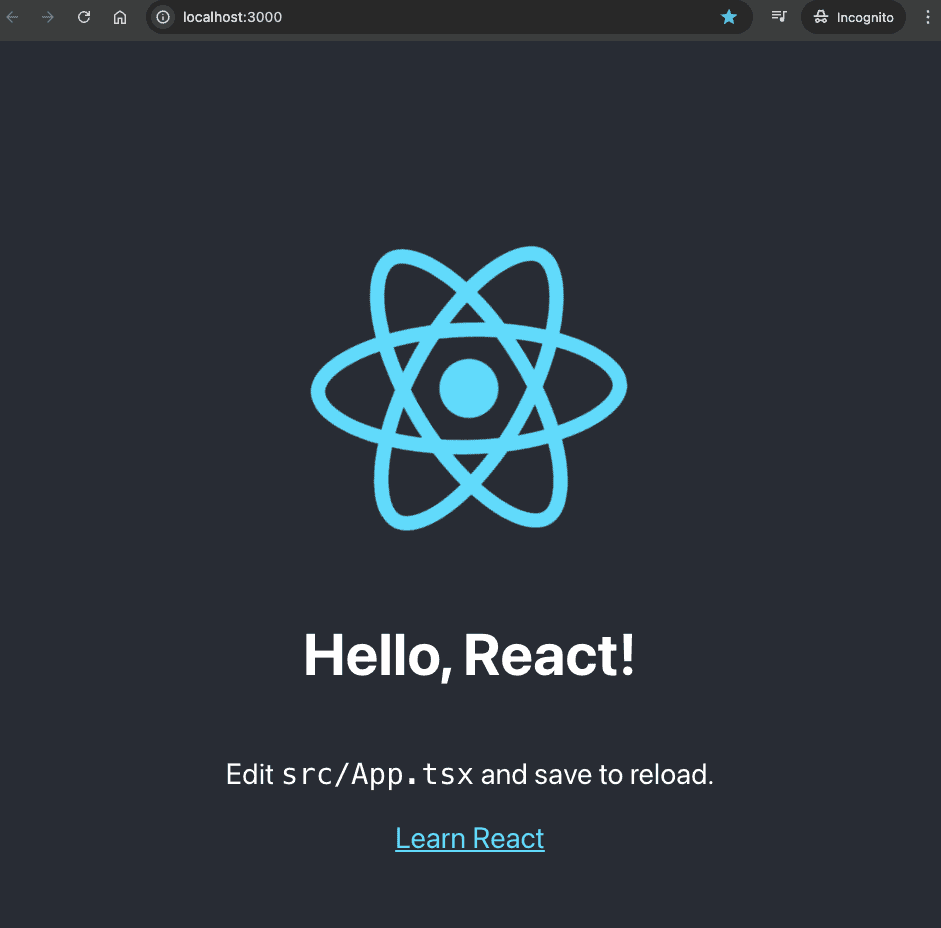
Update the App.tsx file to incorporate the new Greeting component.
App.tsx1import React from 'react';2import logo from './logo.svg';3import './App.css';4import Greeting from './Greeting';56function App() {7 return (8 <div className="App">9 <header className="App-header">10 <img src={logo} className="App-logo" alt="logo" />11 <Greeting name="React" />12 <p>13 Edit <code>src/App.tsx</code> and save to reload.14 </p>15 <a16 className="App-link"17 href="https://reactjs.org"18 target="_blank"19 rel="noopener noreferrer"20 >21 Learn React22 </a>23 </header>24 </div>25 );26}2728export default App;
The browser would display the following updated page:
React and TypeScript References
TypeScript with Vue
Vue 3 embraces TypeScript, providing built-in types that make it easier to build and manage large-scale applications.
Setup and Installation
To start a new Vue project with TypeScript support:
bashnpm install -g @vue/clivue create typescript-vue-app
Launch the Vue Application
bashcd typescript-vue-appnpm run serve
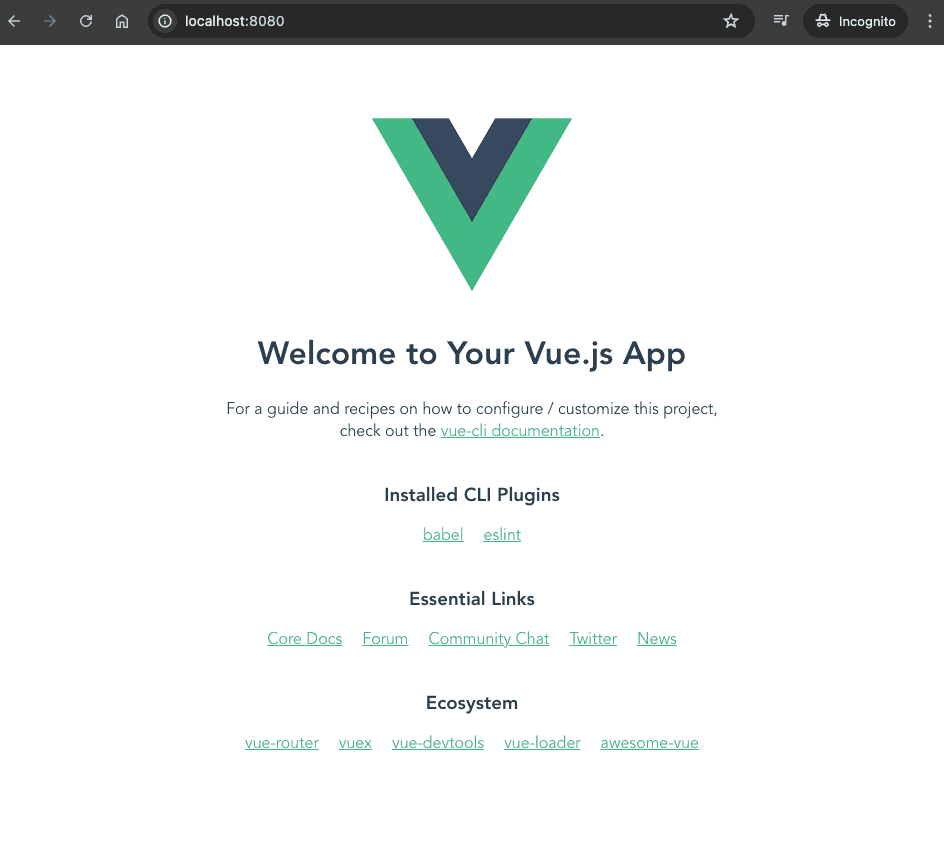
The vue application will be launched at http://localhost:8000/. The following would be visible on the browser.
Example: A Simple Component
Create a GreetUser.vue component in the components directory:
GreetUser.vue1<template>2 <h2>Hello {{ name }}!</h2>3</template>45<script>6export default {7 name: 'GreetUser',8 props: {9 name: String10 }11}12</script>1314<!-- Add "scoped" attribute to limit CSS to this component only -->15<style scoped>16h2 {17 color: #42b983;18}19</style>
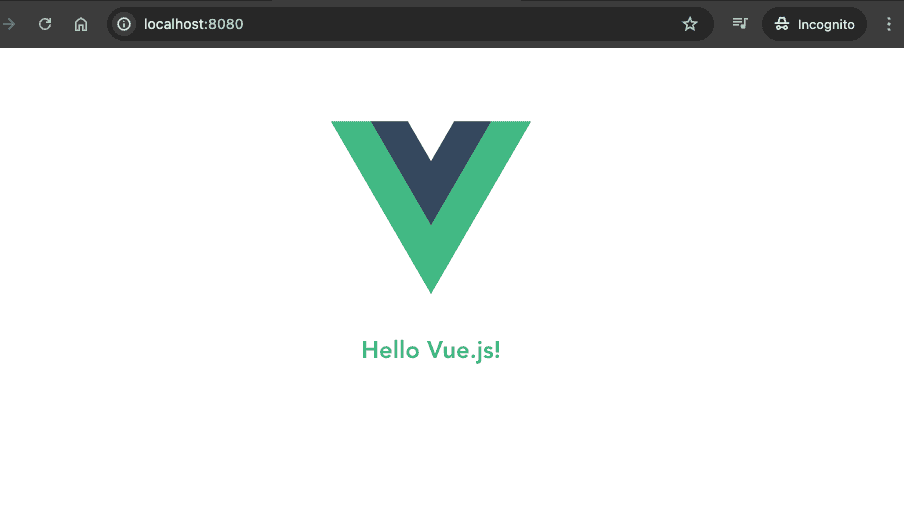
Update the App.vue file to incorporate the new GreetUser component.
App.vue1<template>2 <img alt="Vue logo" src="./assets/logo.png">3 <GreetUser name="Vue.js"/>4</template>56<script>7import GreetUser from './components/GreetUser.vue'89export default {10 name: 'App',11 components: {12 GreetUser13 }14}15</script>
The browser would display the following updated page:
Vue and TypeScript References
TypeScript with Angular
Angular was built with TypeScript in mind, and it uses TypeScript as its primary language, making it a perfect fit.
Setup and Installation
Generate a new Angular project with TypeScript by default:
bashnpm install -g @angular/cli@17ng new my-angular-app
Angular CLI sets up everything needed for TypeScript development.
Launch the Angular Application
bashcd typescript-angular-appnpm start
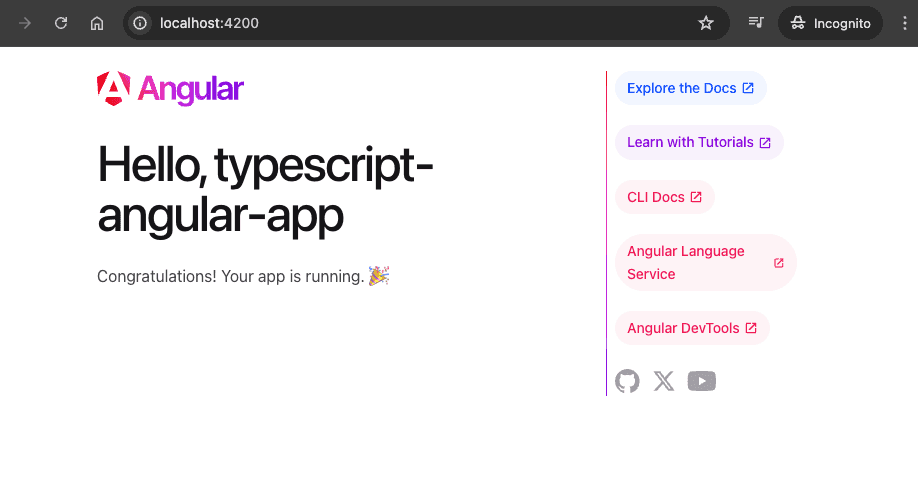
The vue application will be launched at http://localhost:4200/. The following would be visible on the browser.
Example: A Simple Component
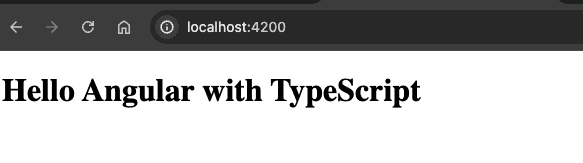
Modify the app.component.ts file in your Angular project:
app.component.ts1import { Component } from '@angular/core';23Component({4 selector: 'app-root',5 standalone: true,6 template: `<h1>Hello {{ title }}</h1>`,7 styleUrls: ['./app.component.css']8})9export class AppComponent {10 title = 'Angular with TypeScript';11}
This is a basic Angular component using the Component decorator, where title is a class property used in the component's template.
Angular and TypeScript References
Conclusion
TypeScript brings powerful type-checking to JavaScript frameworks, making the code more predictable and less prone to runtime errors. Each of these frameworks—React, Vue, and Angular—has its unique way of integrating with TypeScript, enhancing their capabilities and making them more robust for enterprise-level applications. By following the examples and guidelines provided, developers can leverage TypeScript's features to build efficient, scalable, and maintainable web applications.